Logs
To access to end-points access logs go to menu Components > jBackend > Logs. A list of traced requests will be shown:
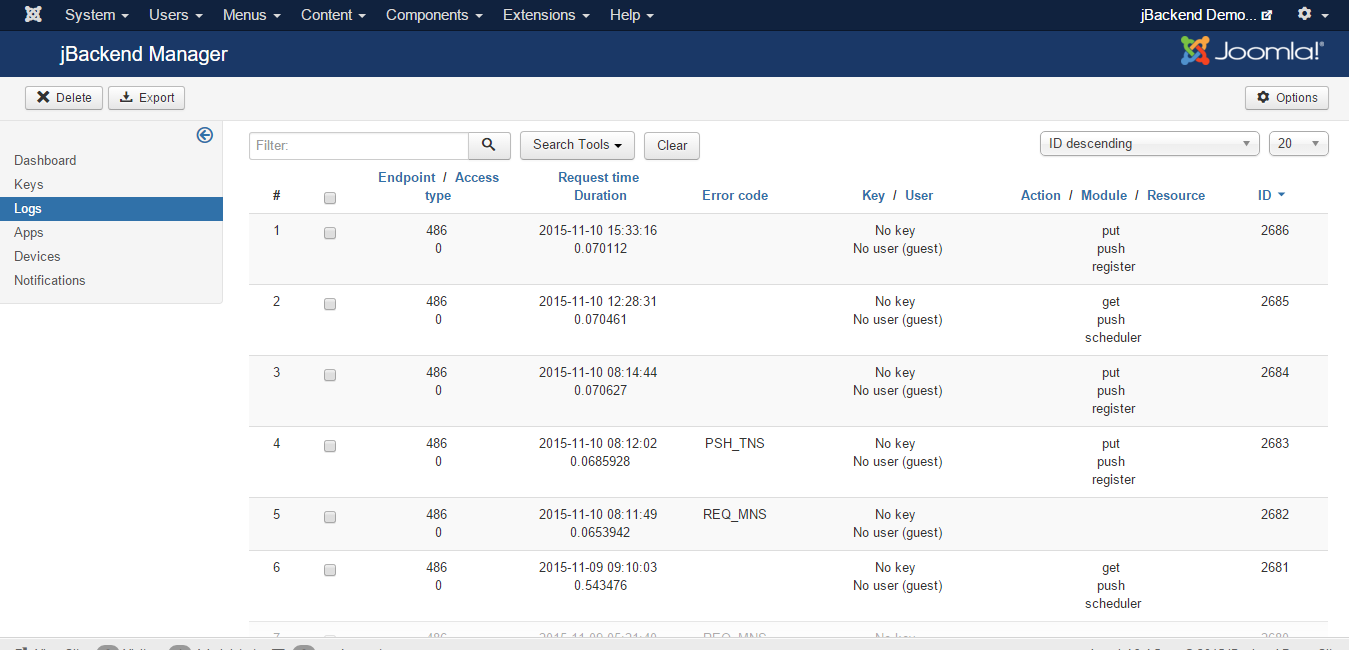
Each logged request has the following information:
| Field: | Description: |
|---|---|
| Endpoint | The ID of the end-point that has received the request |
| Access type | The type of access used on the end-point (free, user, API key) |
| Request time | The date and time of the request |
| Duration | Time required to serve the request (in seconds) |
| Error code | The error code in case of request error |
| User ID | The ID of the user when available |
| Key | The API key used when available |
| Action | The action of the request |
| Module | The module of the request |
| Resource | The resource of the request |
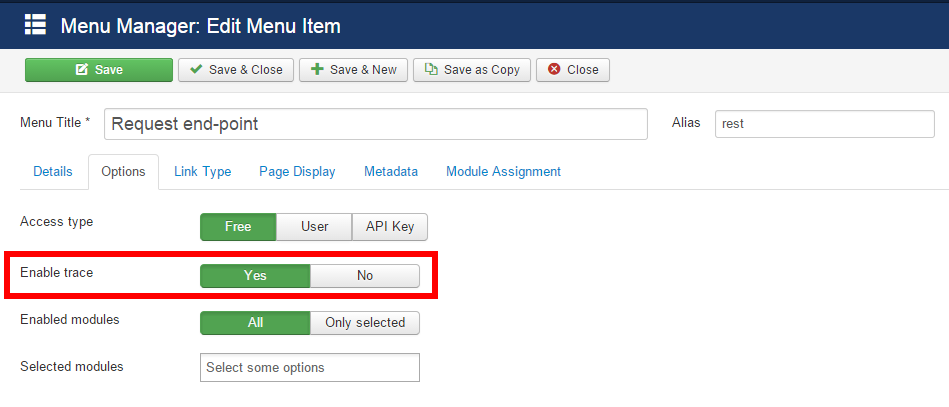
It is possible to enable log trace for each end-point from the menu item options: